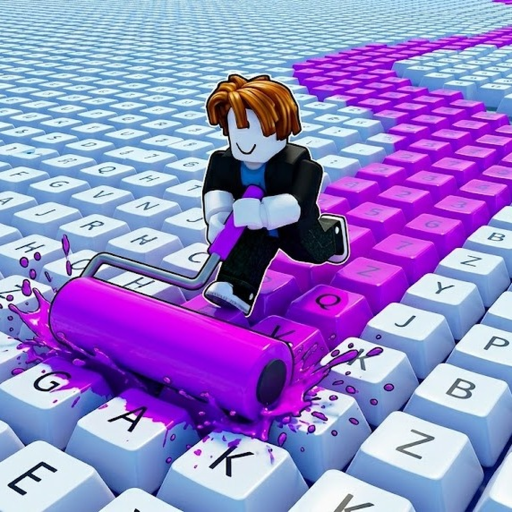
custom keyboardStart with a simple theme
Pick one clear direction before you spend time painting every key. A focused custom keyboard is easier to read, easier to improve, and less likely to feel messy after you unlock more space.
- - Use two main colors and one accent color.
- - Keep high-contrast colors for keys you want to notice first.
- - Save complex patterns until your keyboard area is larger.
custom keyboardMatch design choices to progress
Because Paint My Keyboard is built around painting keys, collecting cash, unlocking better paints, upgrading the roller, and expanding the keyboard, your design plan should leave room for new unlocks.
- - Use early colors as placeholders instead of final choices.
- - Upgrade paints when a new color improves the whole theme.
- - Use the calculator before spending cash needed for expansion.
custom keyboardKeep your layout readable
Readable designs work better than noisy designs. If every key is a different high-energy color, the custom keyboard may look busy instead of polished.
- - Group similar keys together.
- - Use accent colors on corners, rows, or center keys.
- - Review your board after each expansion before repainting everything.