Paint My Keyboard Wiki
FAQ

Paint My Keyboard FAQ

This FAQ collects common Paint My Keyboard questions that do not need a full guide by themselves. It focuses on custom keyboard design, keyboard painting, color ideas, and practical progression choices.

FAQ

What should I do first?

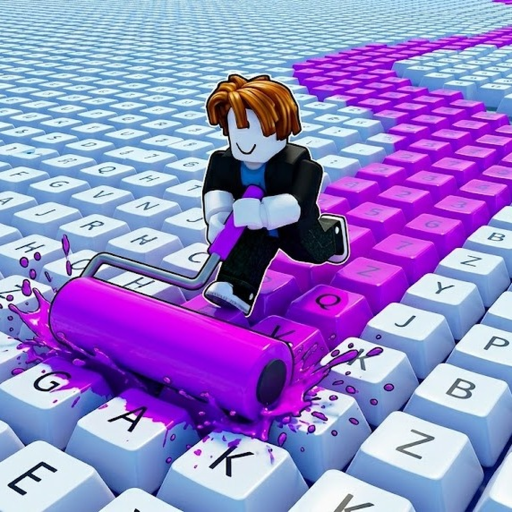
Start by learning the basic loop: paint colorful keyboard keys, collect cash, unlock better paints, upgrade the roller, and expand your keyboard.

  • - Paint enough keys to understand cash flow.
  • - Avoid exact-value assumptions until checked.
  • - Use simple color themes early.
FAQ

How should I pick colors?

Pick colors around a theme, not one key at a time. Themes make the keyboard look better and make future repainting easier.

  • - Choose a base color.
  • - Choose one accent color.
  • - Add RGB or aesthetic details after expansion.
FAQ

What should I verify in game?

The official description confirms the core loop, but exact costs and values should be verified before they are treated as final.

  • - Paint costs and unlock order.
  • - Roller upgrade effects.
  • - Keyboard expansion prices.
FAQ

FAQ questions

Quick answers for players searching FAQ ideas, tips, and source-safe guidance for Paint My Keyboard.

Is Paint My Keyboard about custom keyboards?

The game focuses on painting keyboard keys and expanding the keyboard, so custom keyboard ideas fit the core loop.

Does this site publish fake codes or exact values?

No. Unverified claims are held until they can be checked against the game or reliable sources.

Where should I go after the FAQ?

Use the keyboard color ideas guide, custom keyboard guide, calculator, or wiki pages depending on your next question.

Sponsored link